About
Welcome to the Golden Net theme demo! It's meant to emulate an e-book reader in how it looks and functions. This page showcases the aquatic-themed styling, different color schemes, font-switching, remembering the user's choice of a theme across pages, and support for images, videos, and audio.
The title comes from the story (and related material) that it was built for.
Want to use this theme?
There isn't really any documentation on how to use it. Features may also be added, slightly changed, or fixed (in case there are bugs) between now and when you next check it.
However, if you still want to use this theme (or see how certain features from it are coded), you can use Trevor Fox' Source Viewer to see all of the CSS, HTML, and JS used to make it. Everything aside from the lightbox JS/CSS is all in the same page for demonstration purposes, and I've tried to organize/annotate it as best as I can.
Do note that this theme uses a custom stylesheet for A Little Light Lightbox that can synchronize with the color scheme of a page, and has a completely opaque background. The built-in mode is a high-contrast light mode (since that's what most of my website uses), but you can override it on a page-by-page basis, by tacking on a different stylesheet with the required variables after it, or by changing the variables in the lightbox stylesheet itself.
If all of this web programming stuff is a bit intimidating to you, but you still really want to give it a shot, I recommend using these resources:
- Watch Kevin Powell's Intro to HTML/CSS video series.
- Use W3School's Introduction to HTML & CSS interactive series.
- Look up or ask a question on Stack Overflow.
I also have another theme with a more step by step tutorial for beginners. It can help you grasp concepts like file management for image-heavy and blog-style websites, which the more general tutorials don't always cover.
Anyway, good luck! Everything you see here is the result of someone who was once 13 years old and wanted to edit their theme on Tumblr. Maybe this will be the day you remember fondly in your web programming journey, in the same way I look back at those days on Tumblr...
Images, Frames, Filters, and Lightboxes
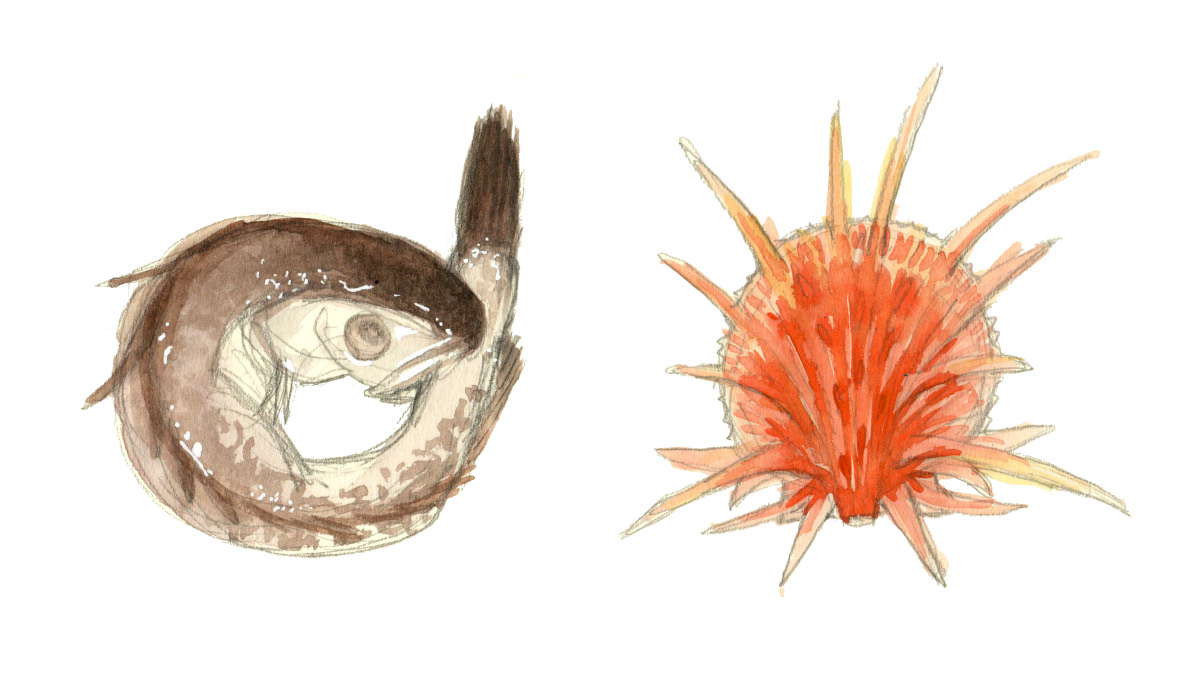
This frame and filter is useful if an image strongly contrasts with the e-book reader feeling of the theme. Click on it to open the lightbox, which has an unfiltered version of the image.
Grids
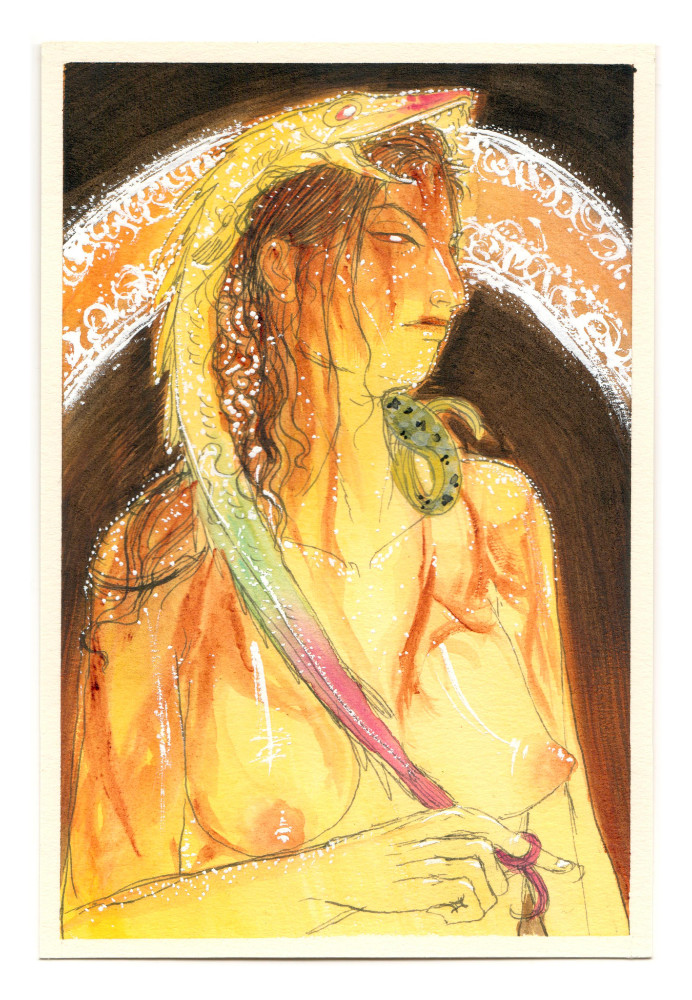
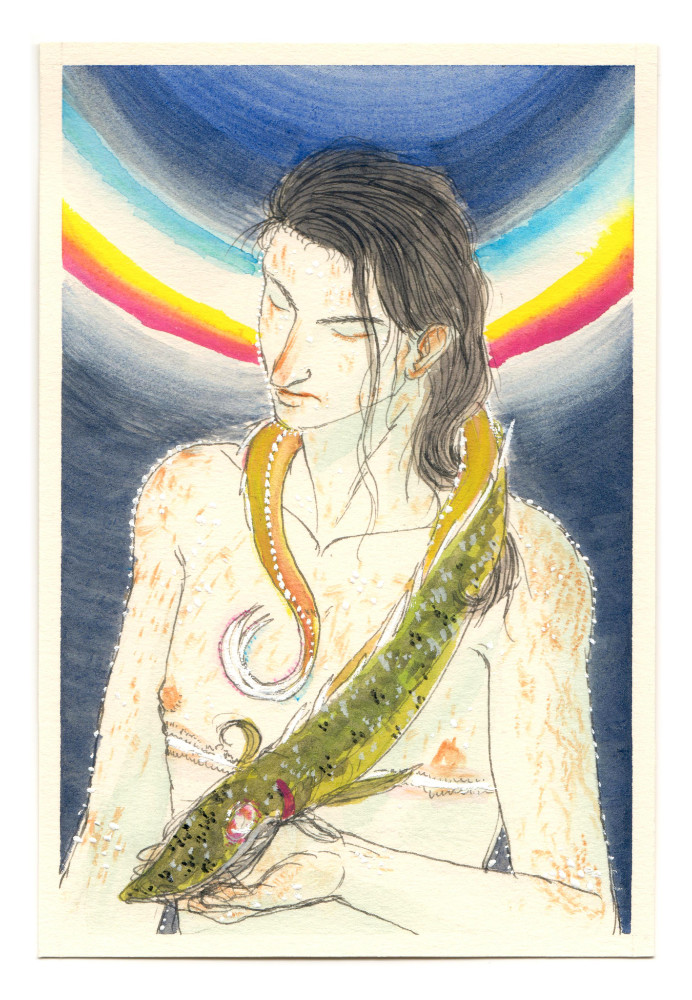
There's support for grids too. The most basic ones let you set the number of columns in a grid that will be displayed on desktop. You can also add other features to these grids.
What's available?
Grid columns: 2, 3, 4, 5, 6. (Number will decrease on smaller screens.)
Item positions, when using ratios: Top, bottom, left, right. (Center is default.)
Item fit, when using ratios: Cover or contain. (3rd image in this grid uses contain to show the entire image, as opposed to hiding the overflow.)
Item ratios:
- 11/14 (horizontal or vertical)
- 9/12 (horizontal or vertical)
- 8/10 horizontal or vertical)
- 6/9 horizontal or vertical)
- 5/7 horizontal or vertical)
- 4/6 horizontal or vertical)
- 3/4 horizontal or vertical)
- 2/3 horizontal or vertical)
- 1/2 horizontal or vertical)
- 1/1
Video Embed
You can embed videos and apply filters/frames to them. There's the ability to set an aspect ratio if you're embedding an iframe too. That way, they fill the full width of the main container, but also retain their aspect ratio if the main container shrinks.
Available ratios:
- 16/9 (horizontal or vertical)
- 4/3 (horizontal or vertical)
- 1/1
You also can hide away videos in a lightbox link, if you like. Like with images, any media in the lightbox will not have a filter applied to it. (You will not be disappointed by this song on the oud!)
Audio Player
Compared to that song on the oud, this song on the guitar is pretty bare-bones. So is the audio player. Sorry about that! At least the audio player is full width, and can have the e-reader filter applied to it.
Please note that the appearance of this element will vary across browsers.
The dividers are aquatic themed!
Tables
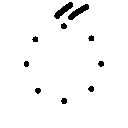
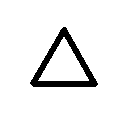
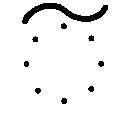
Since one of the materials related to The Golden Net is a language with its own set of symbols, a table was built to display them in an organized way.

Latin linear, Latin stacked, and Hharmari script.
This demo table only includes the vowels. You can see the full table here.
| Latin | IPA | ESP or ENG* Example | 1st | 2nd | 3rd |
|---|---|---|---|---|---|
| A | a | paso | 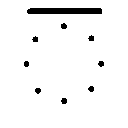 |
||
| E | e | peso | 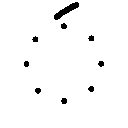 |
||
| I Y | i j | piso / yes* | 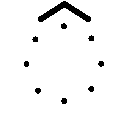 |
  |
|
| O | o | poso | 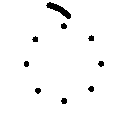 |
||
| U Ũ W | u ʊ w | puso / hook* / web | 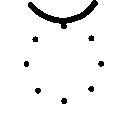 |
 |
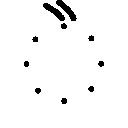 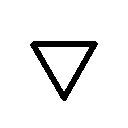 |
Image and Text 2-Column Grids
This example won't make much sense on smaller screens, since the grid collapses into 1 column. You can take a look at it on a larger screen to see what I mean, though.
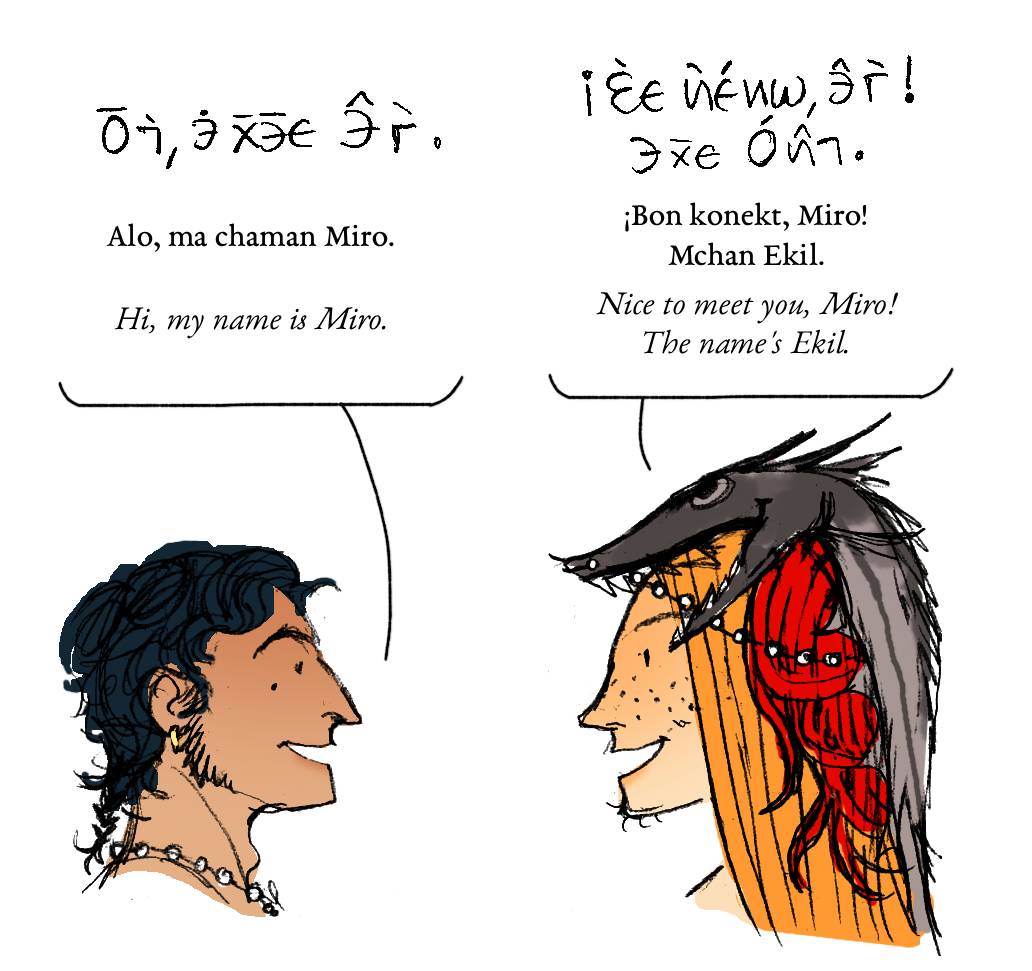
Here's a sample of a Hharmari conversation.
It uses an image and text grid with a large left column.
Note the tastefully rounded corners on images when viewed in dark mode...
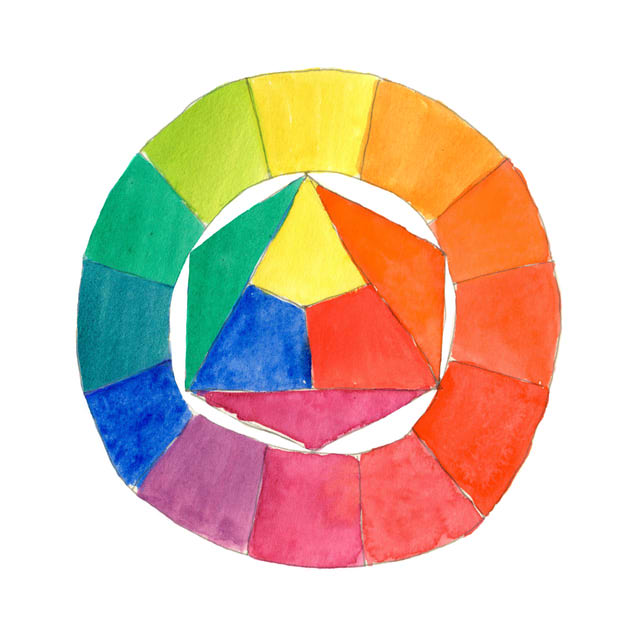
This is what it looks like when the left column is smaller. You can fit more text comfortably on the right column now.
Sic fugiens, dux, zelotypos, quam Karus haberis... O templi, quarzi, vigne, fidi boschi! In quel campo si trovan funghi in abbondanza. Qualche vago ione tipo zolfo, bromo, sodio... Jovencillo emponzoñado de whisky: ¡qué figurota exhibe! Es extraño mojar queso en la cerveza o probar whisky de garrafa... Buvez de ce whisky que le patron juge fameux. Um pequeno jabuti xereta viu dez cegonhas felizes. Eble ĉiu kvazaŭ-deca fuŝĥoraĵo ĝojigos homtipon.
You don't need to put images on the left, thought it's more customary to do so.
This element has its text alignment set to right. It's not too comfortable to read for long bits of text...
(The right alignment is removed on small screens.)
Project List
-
 Project 1 Title
Hey, these images don't have the reader filter applied to them! It's very strange not to see images through a haze... almost as if they were made of hyper-vibrant imaginary colors... -